Play next
More creative games, then the most played




About Pixel Studio
Pixel Studio provides a 16x16 pixel canvas with a curated retro color palette that matches the color constraints of 1980s and 1990s game consoles — the same creative constraint that defined the golden age of pixel art. Working within this palette limitation is itself an artistic discipline: creating shading, texture, and form from 16 colors requires understanding color theory and dithering techniques that professional pixel artists study intensively. The restriction paradoxically improves creativity by providing a clear constraint to work within — the same principle that makes haiku poetry and 140-character formats more creatively demanding than open-ended formats.
🎮How to Play Pixel Studio
- 1A 16×16 grid acts as your drawing canvas.
- 2Select a color from the palette on the side.
- 3Click or drag on the grid cells to paint them.
- 4Use the eraser tool to remove colors from cells.
- 5Undo mistakes, or clear the board to start over. Save your art when done!
🎲More Creative Games You Might Enjoy
Quick Draw
Sketch a prompted item within 20 seconds.
Symmetry Painter
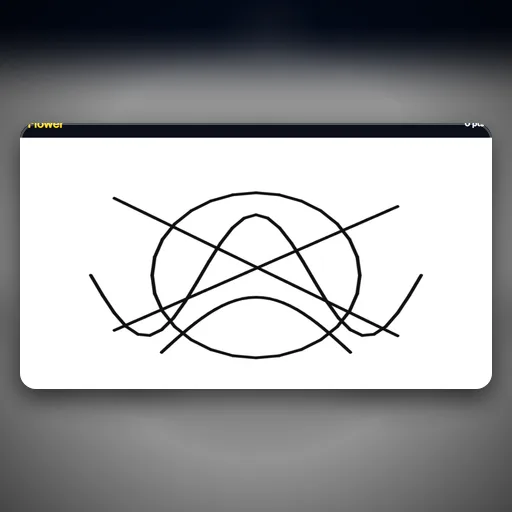
Draw on one side and watch it mirror perfectly.
Neon Glow Studio
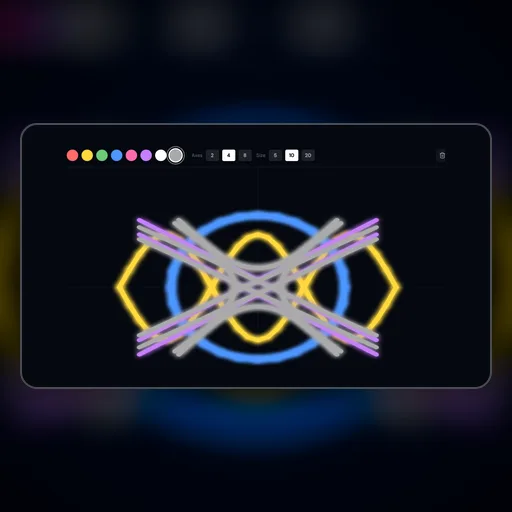
Unleash your creativity on a dark canvas. Draw with vivid neon lines that cast stunning glowing shadows in real-time.
Mandala Creator
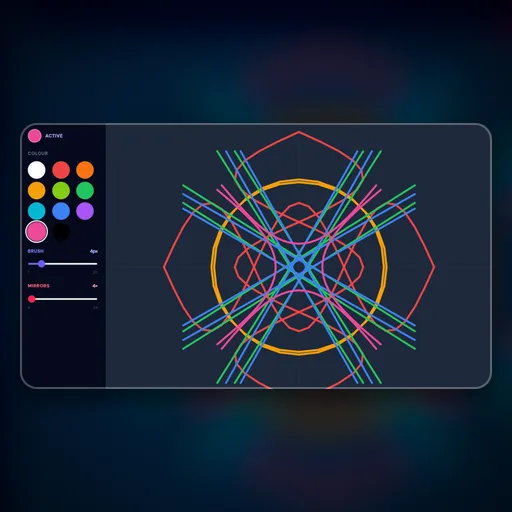
Draw beautifully serene symmetric mandalas that mirror across the high-DPI canvas radially.
Falling Sand
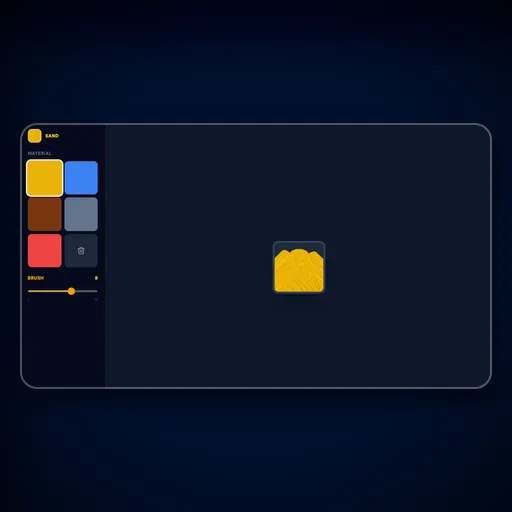
Draw elements that react realistically to gravity and fluid dynamics! Sand sinks into water, liquid spreads.
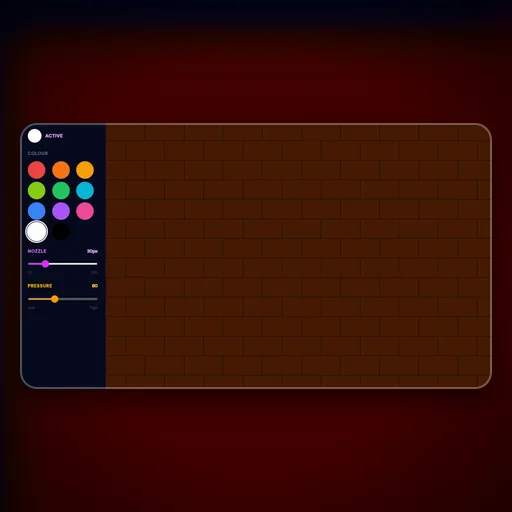
Graffiti Spray
Equip your virtual spray can and blast paint across a virtual brick wall with pressure-sensitive nozzle patterns.